Campaign Deletion
Deletion consists of excluding a campaign from the user's profile. To delete a campaign, do the following:
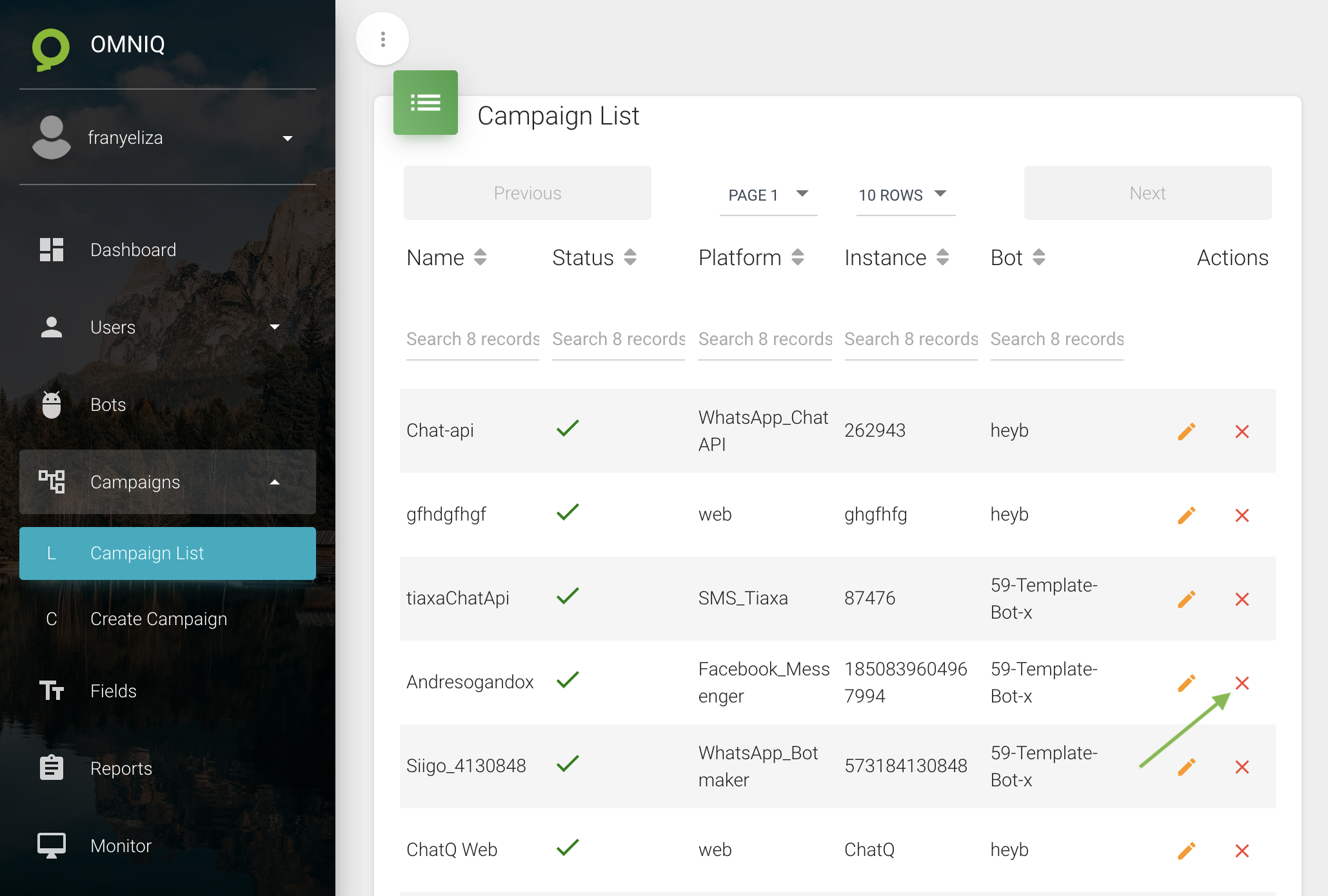
- Click on Campaigns in the menu located on the left side of Omni-Q.
- Click on the campaign you want to delete, in this case, we will delete the campaign called "Andresogandox"
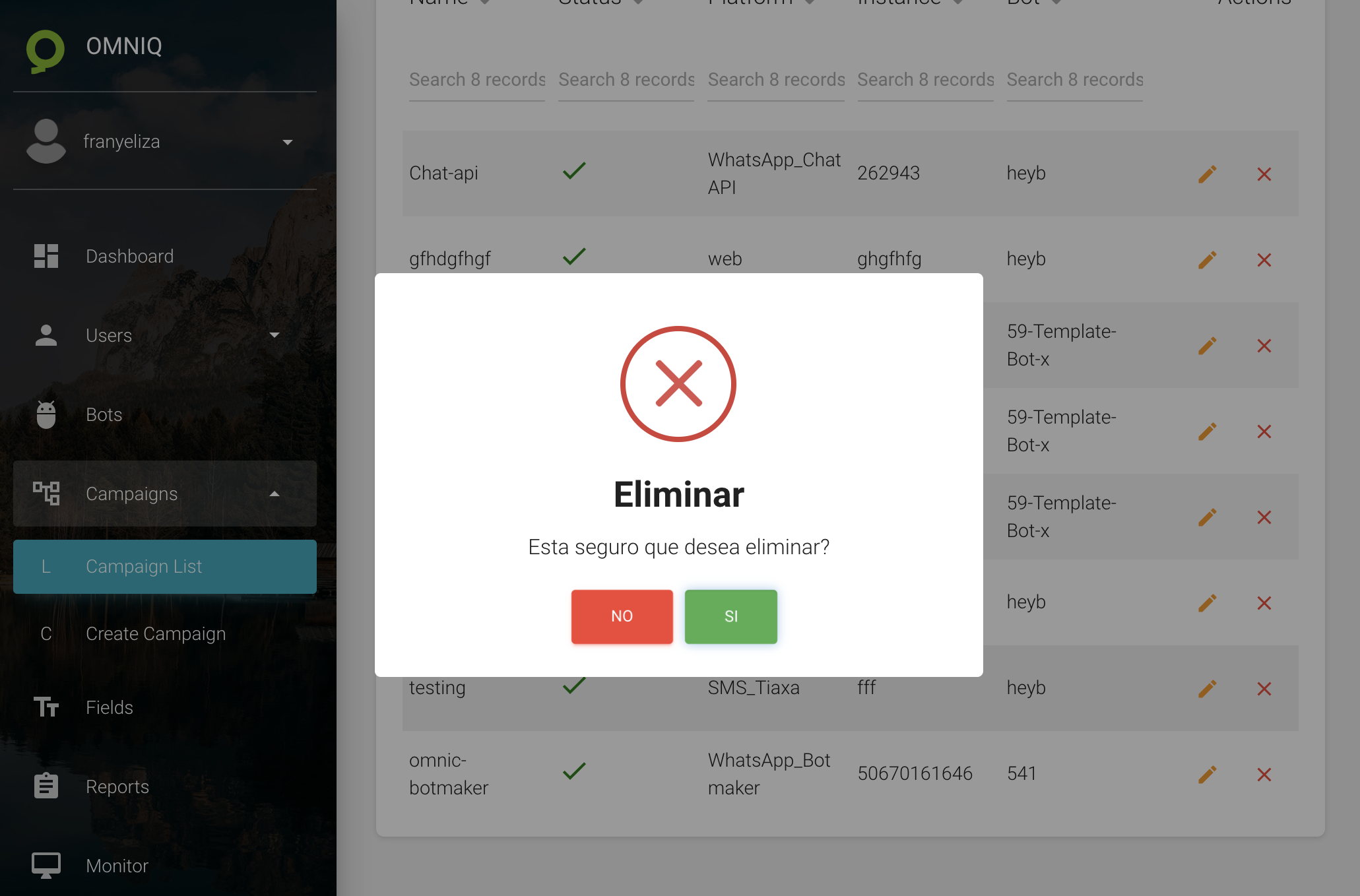
- The following alert will be shown: "Are you sure you want to delete this campaign?". By pressing "Yes" the campaign will be deleted.
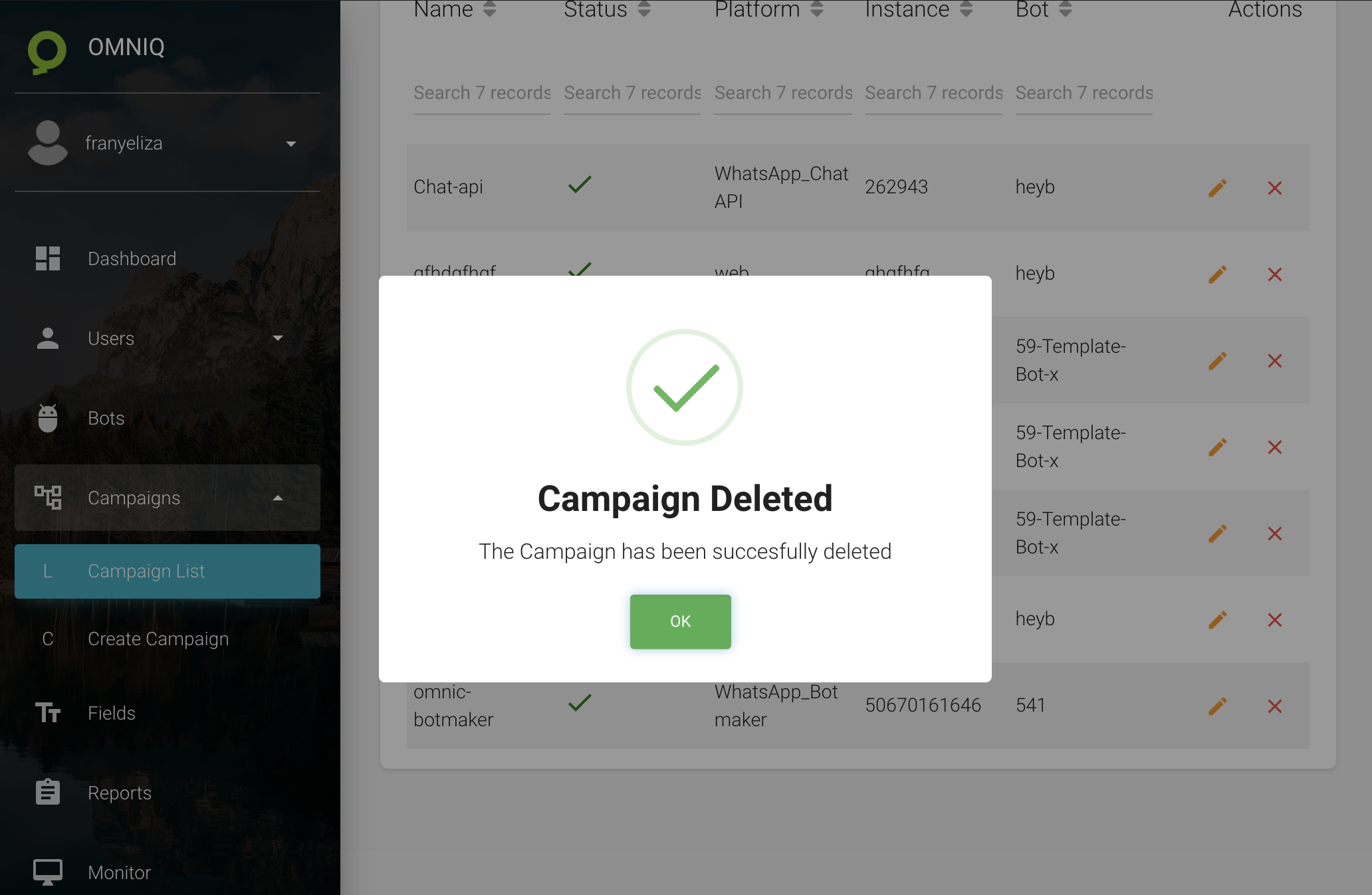
- When pressing "Yes", a notification will appear saying that the campaign has been deleted successfully.
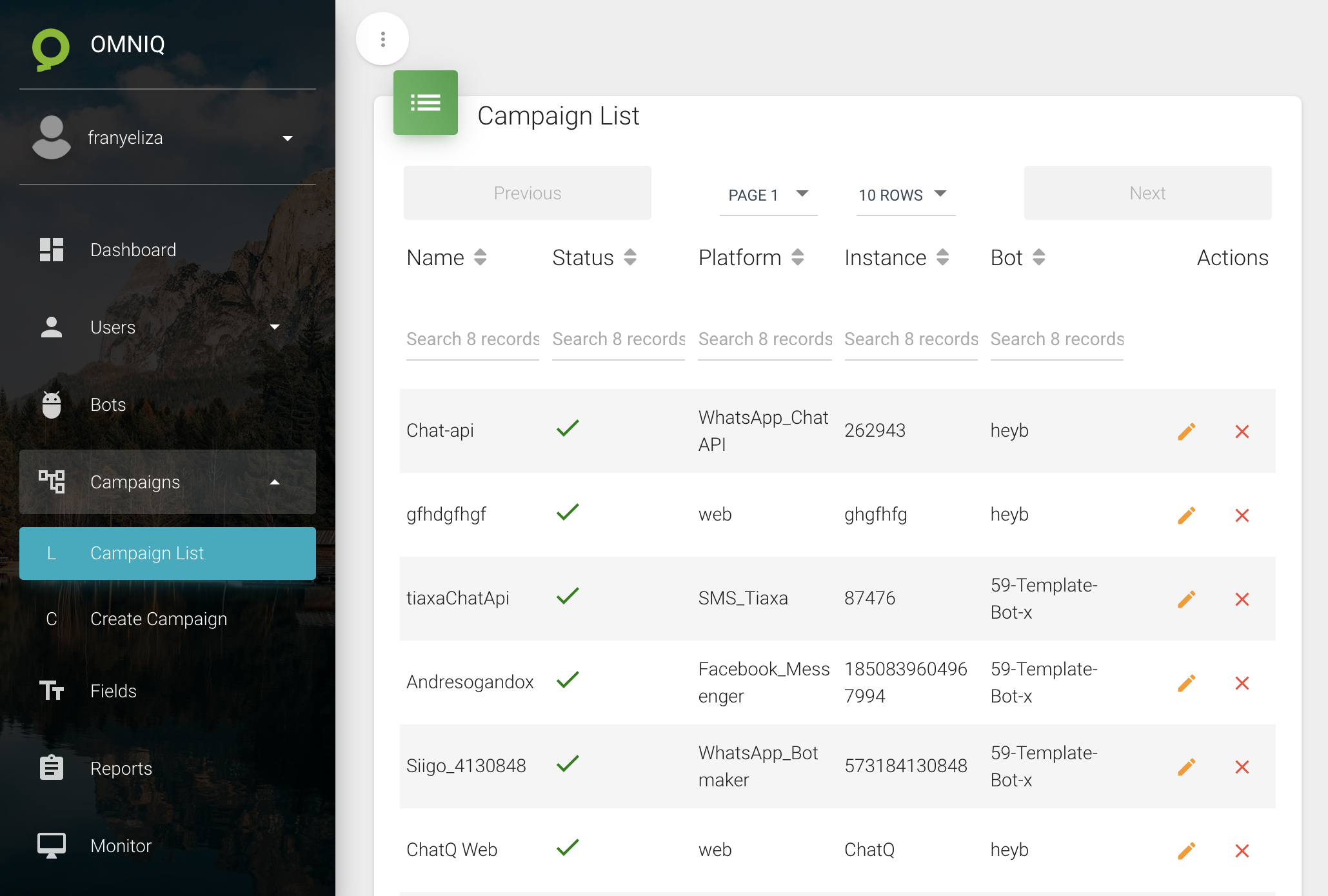
All available campaigns to delete will be displayed