Secret
Secrets System: User-Friendly Configuration Guide (Overview)
Hello! Welcome to the Secrets screen in OmniQ. This tool allows you to manage confidential keys or codes that your bot uses, like a secure filing cabinet. You don't need to program to use it!
How to Access Secrets
-
Step 1: Open OmniQ and look for the sidebar menu on the left.
-
Step 2: Click on "Secrets" (with a white lock icon).
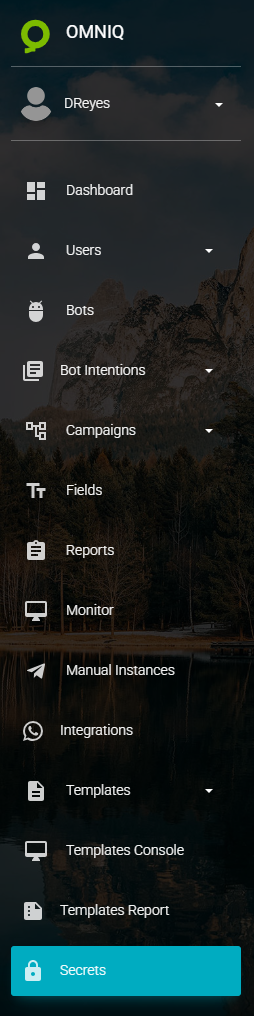
Shows the dark sidebar menu with "Secrets" highlighted.
This takes you to the secrets screen to manage them.
What Are Secrets and What Are They For
-
What they are: Confidential names and values, like "API_KEY: key123".
-
What they're for: For your bot to securely connect to other tools.
-
How they're used: You view and manage them here, and the bot uses them automatically.
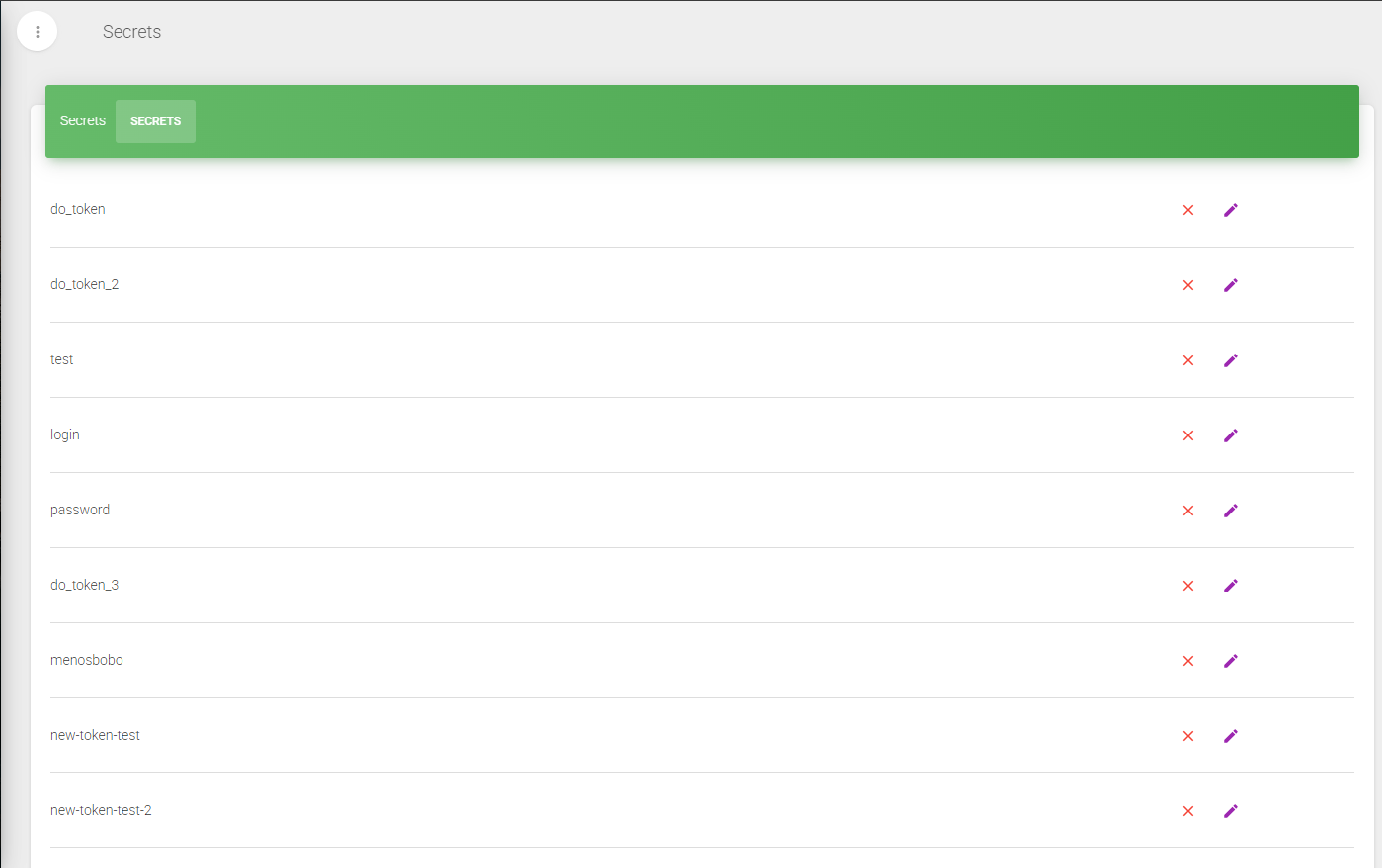
Shows a table with secrets like "do_token", with buttons to edit or delete.
Quick Tips
- Easy Access: Click on "Secrets" in the menu.
- Security: The data is protected here.
Done! Now you know what secrets are and how to access them. Follow the next guides to create, edit, or delete. Let's start managing secrets!