Bots
Overview
Omni-Q provides an integrated system for creating and configuring bots that handle automatic user interaction. The interface offers an intuitive way to create workflows and configure them efficiently. In just a few minutes, you can have your customers interacting with your bots.
This feature is very important as it forms the basis for communication with customers, allowing you to create separate bots for each campaign, each with its own unique flow.
Accessing Bots
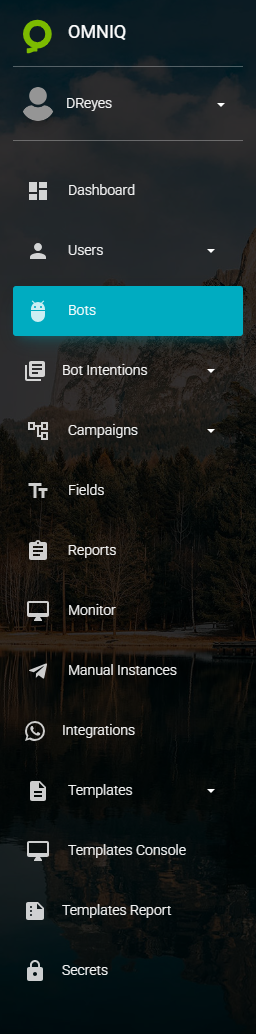
To access the list of bots in the application, click on the third icon in the home menu:
Bot List
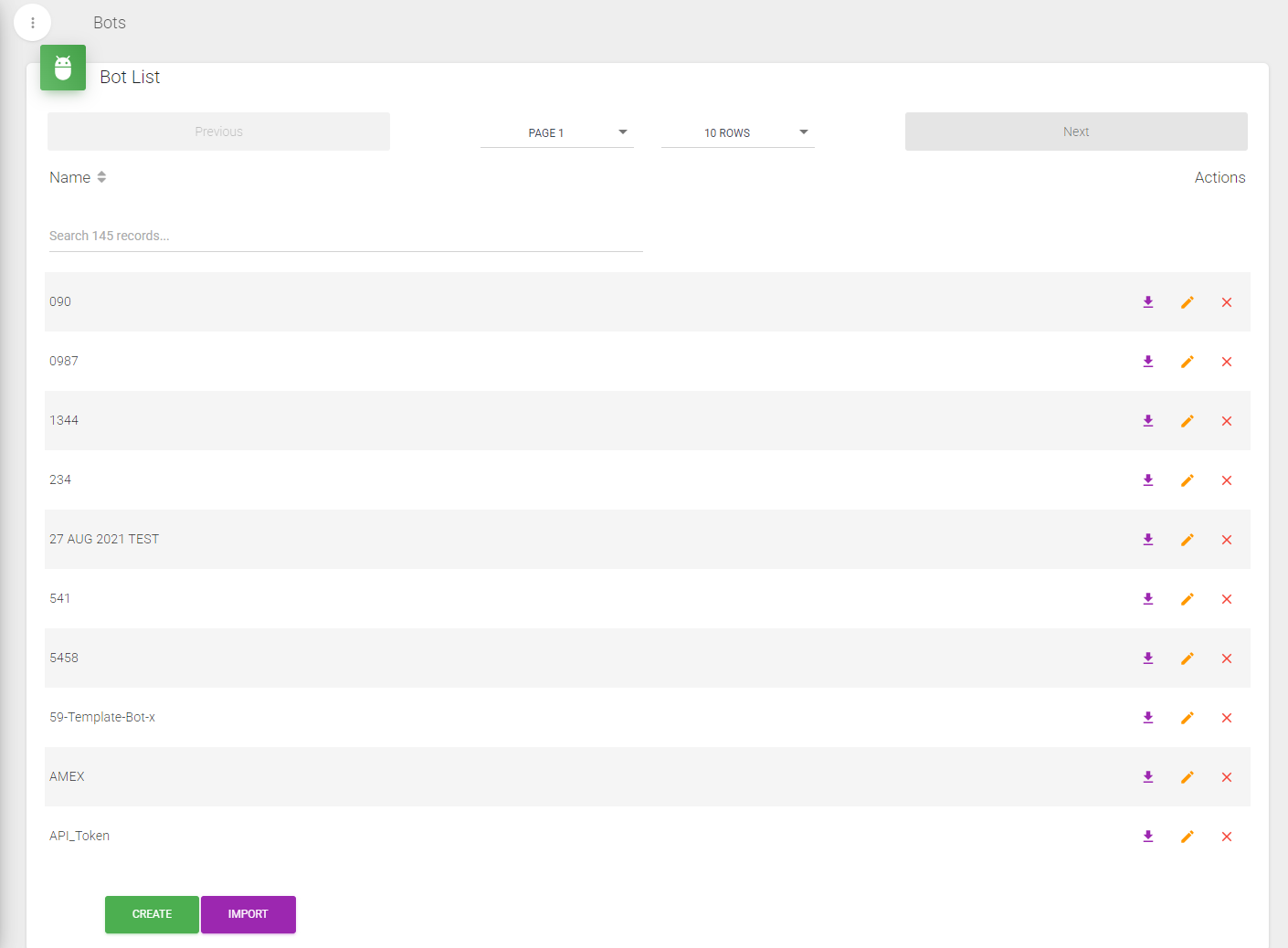
Upon entering this page, you will see a list of all programmed bots with options to create, edit, or delete bots according to your needs.
To edit or delete a bot, simply click on the corresponding icon in the list. At the bottom of the table, you can organize the list entries to contain the desired quantity.
Each bot created will have a different flow from previous ones, allowing for customized interaction paths for different campaigns or purposes.