Bot Creation Guide
Introduction
Here we will explain all the configurations and functions available for our bots and how to structure your flow.
Getting Started
In the main screen, click on the button below to start creating your bot:
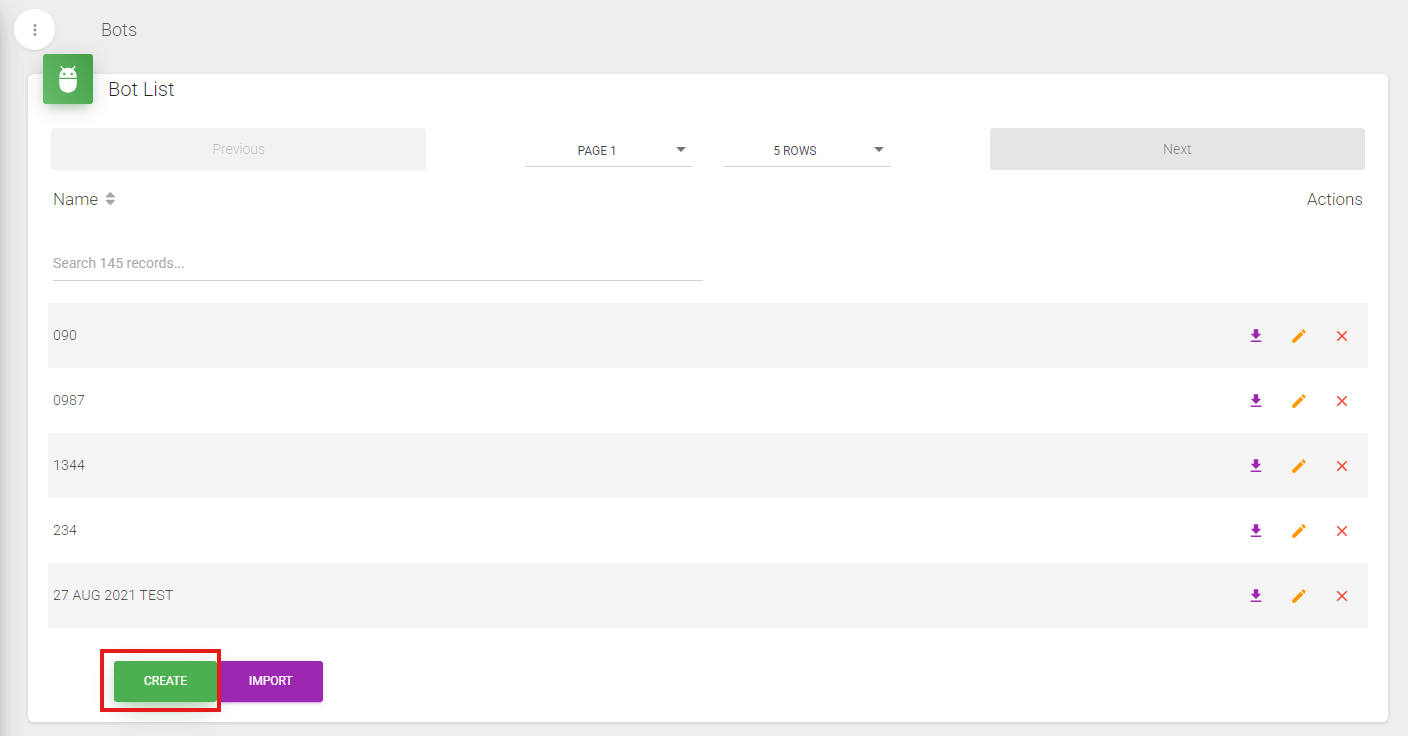
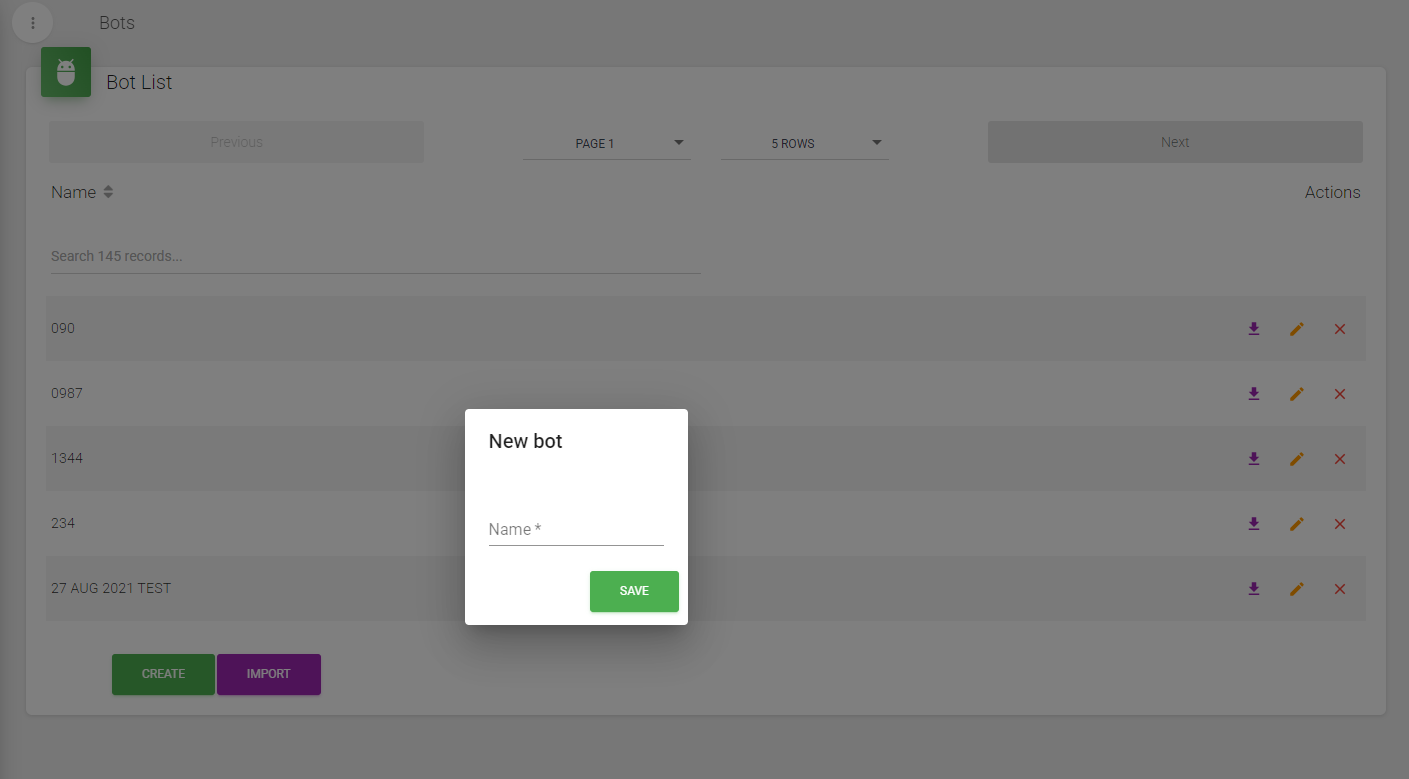
Enter the name of your Bot, then the bot configuration section will open, displaying the following screen:
Interface Components
This is your workspace for configuring bots, which includes:
Toolbar
The toolbar contains everything necessary for flow construction and for configuring each step within the flow.

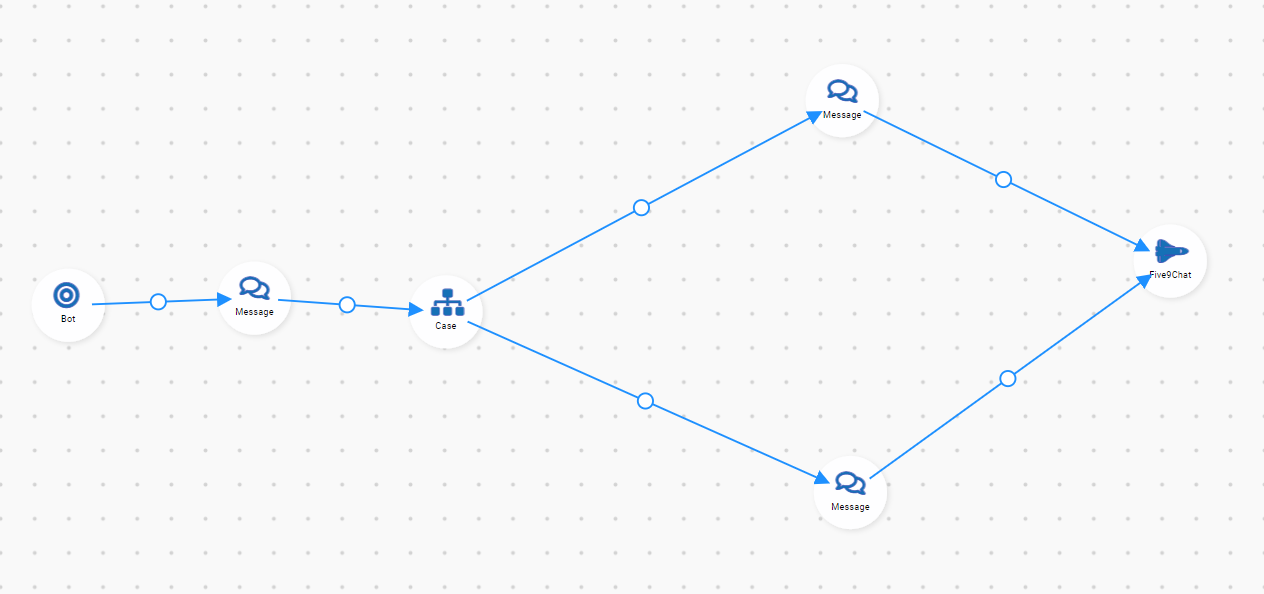
Flow Construction Area
This is your workspace where you will connect nodes and shape your flow:
Connecting Nodes
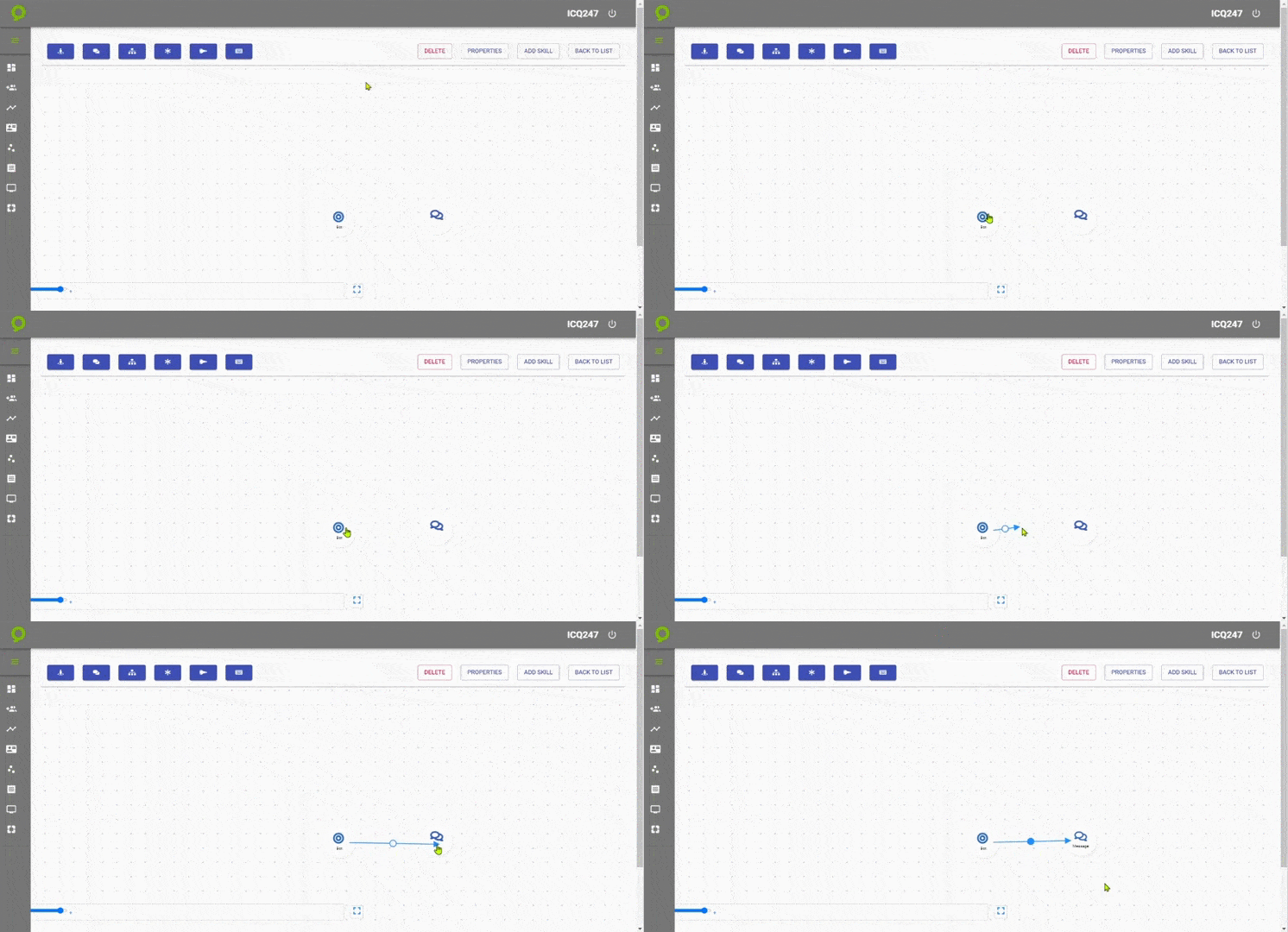
To connect nodes in your flow:
- Press and hold the SHIFT key
- Left-click on the initial node
- Drag your mouse to the secondary node you want to link
Here's an example of node linking:
Each module and button in the Toolbar will be defined in more detail in later sections.