Campaign Edition
Editing a campaign consists of modifying one of the current fields or changing its configuration. To edit a campaign, you only need to do the following:
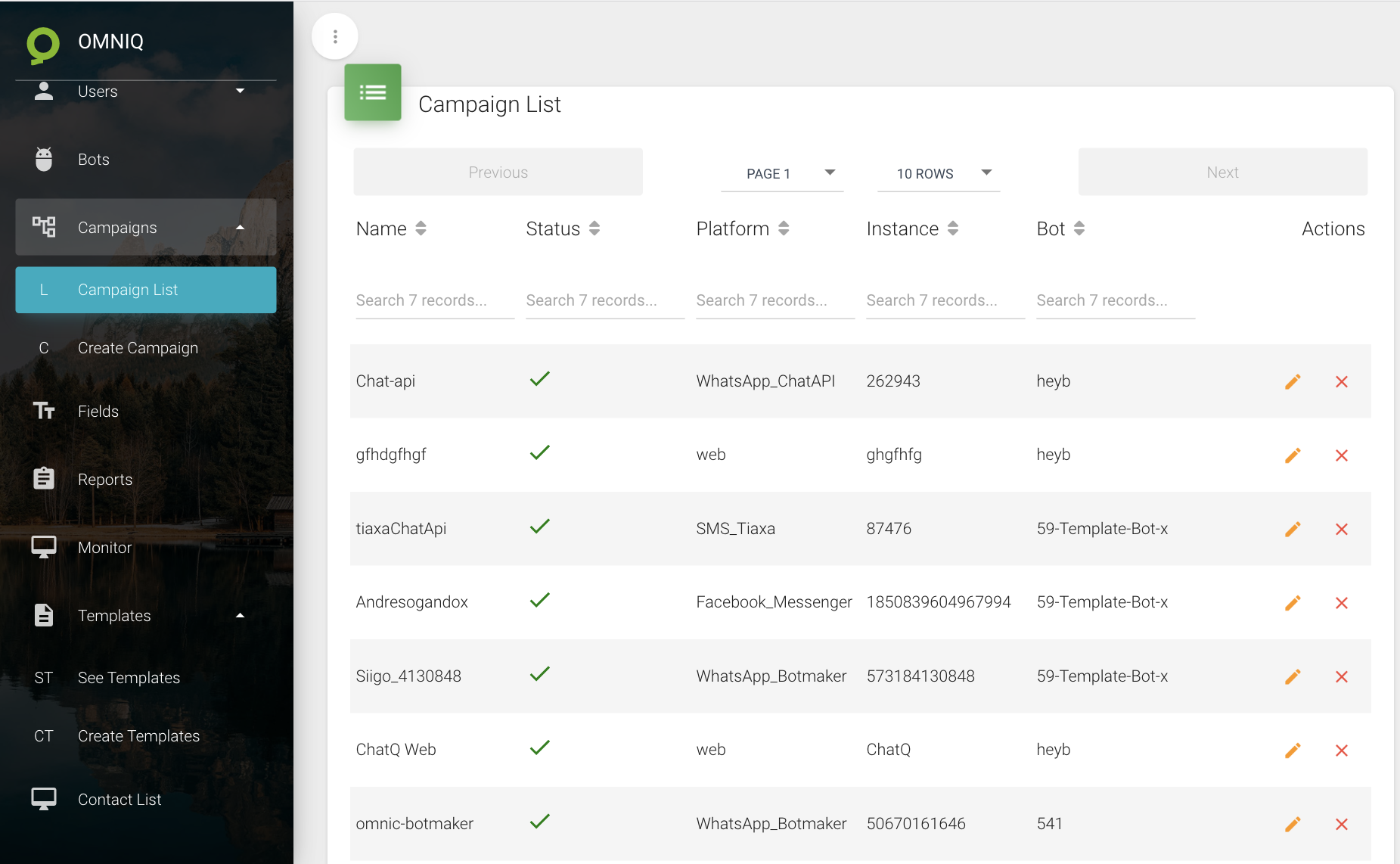
- Click on Campaigns in the menu located on the left side of Omni-Q. After the tables are displayed, click on the pencil icon.
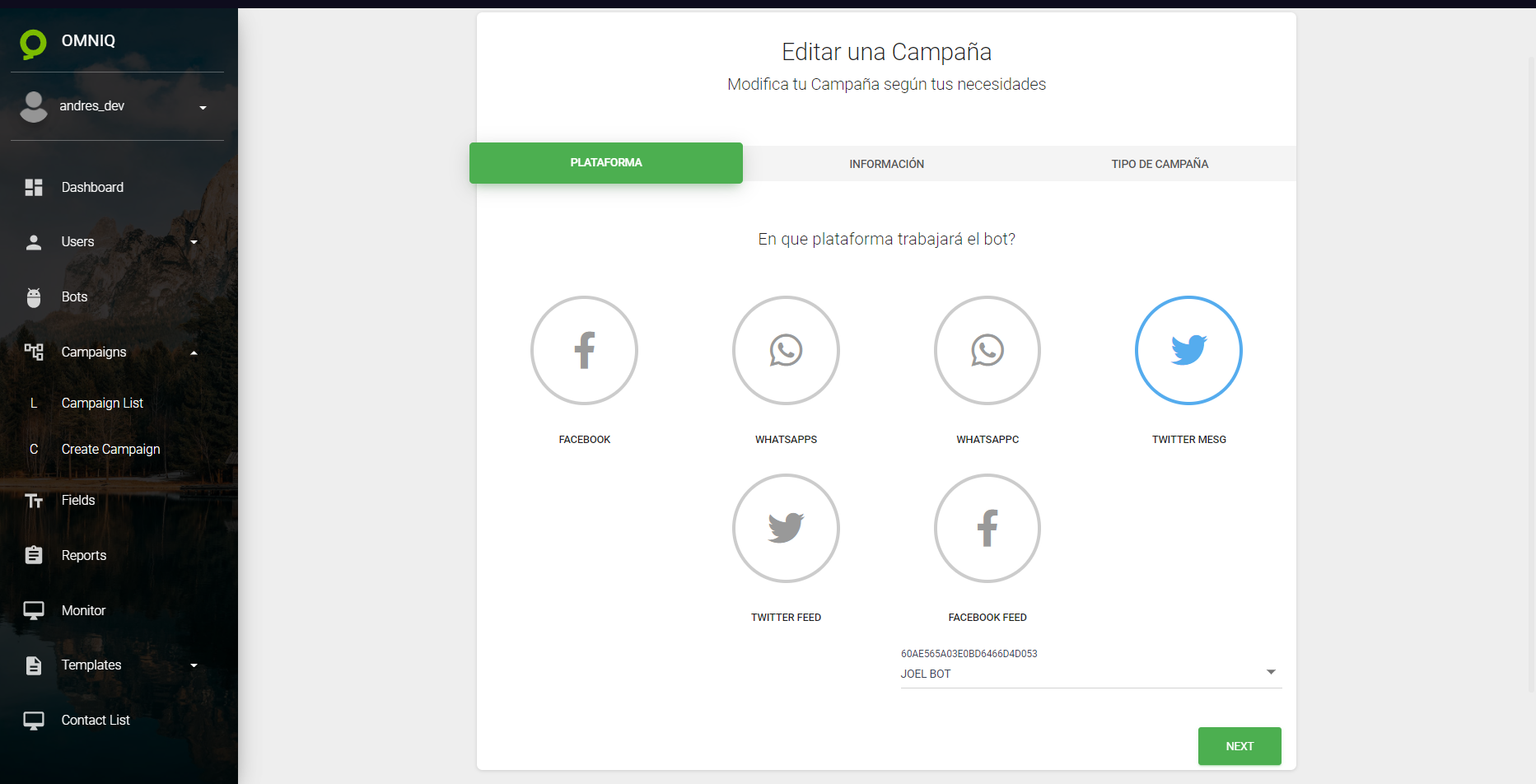
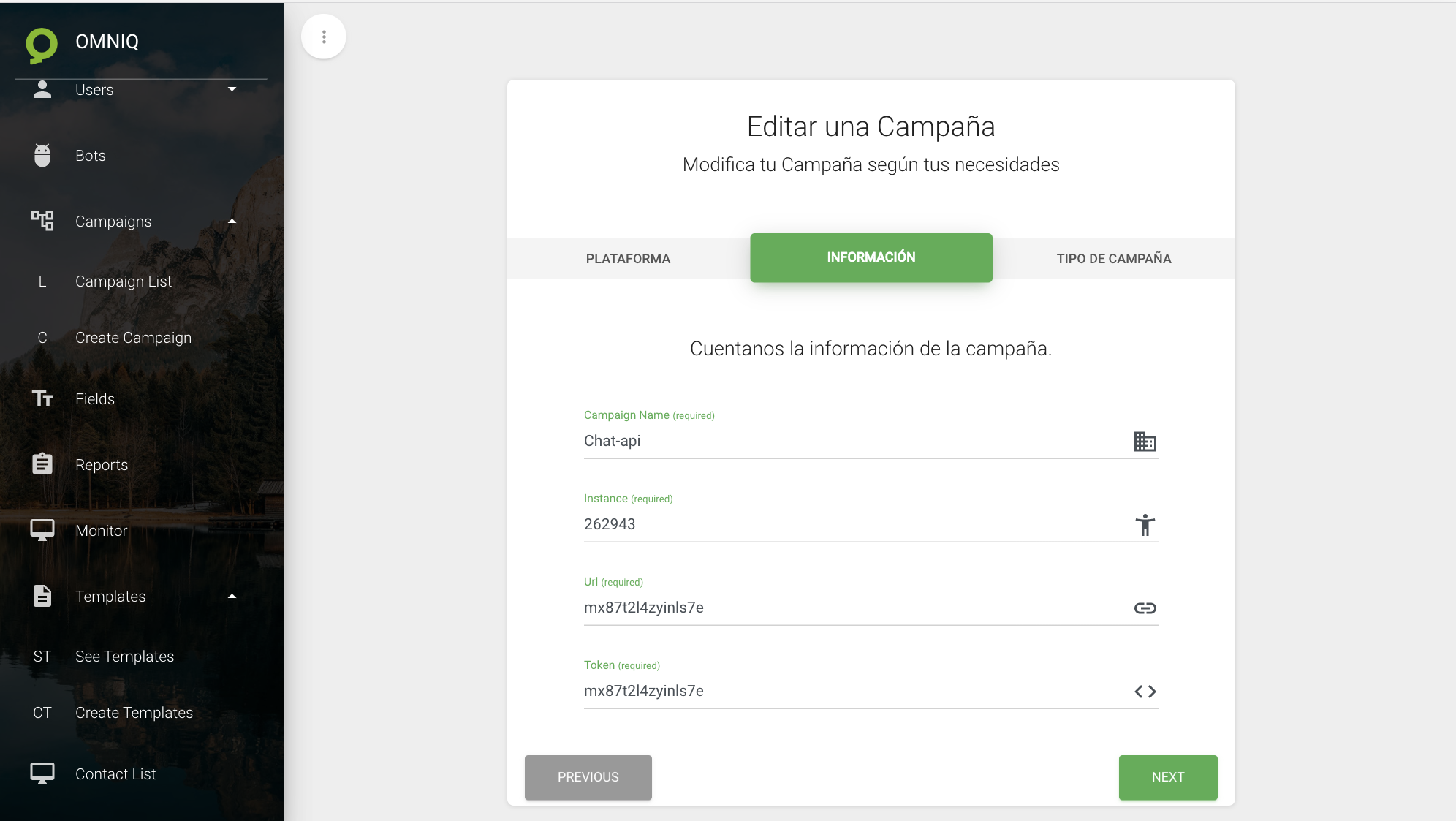
- Then, proceed to modify the fields that need to be changed.
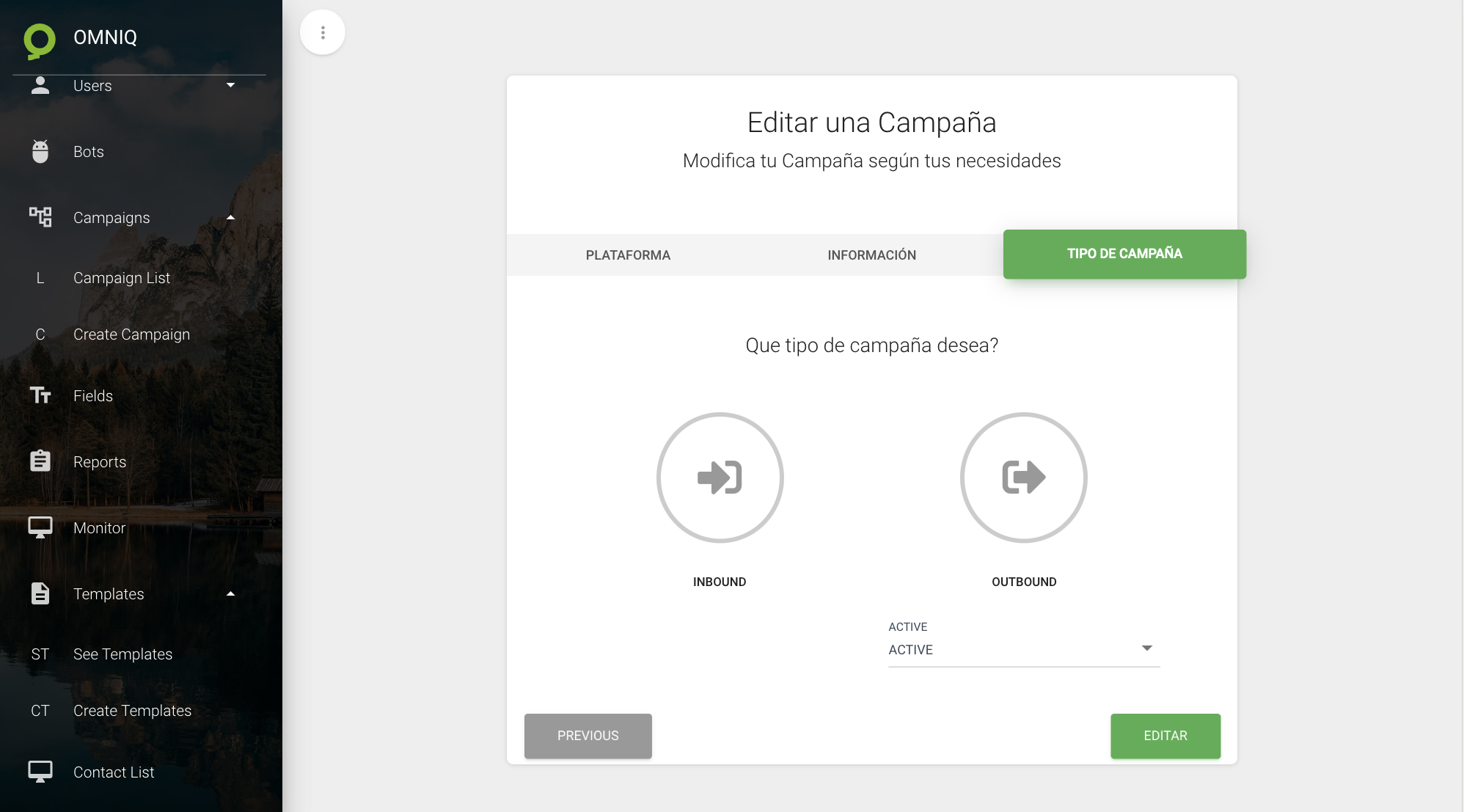
- Finally, click on the EDIT button to save the new changes.