Fields's Utilities
Variable Fields
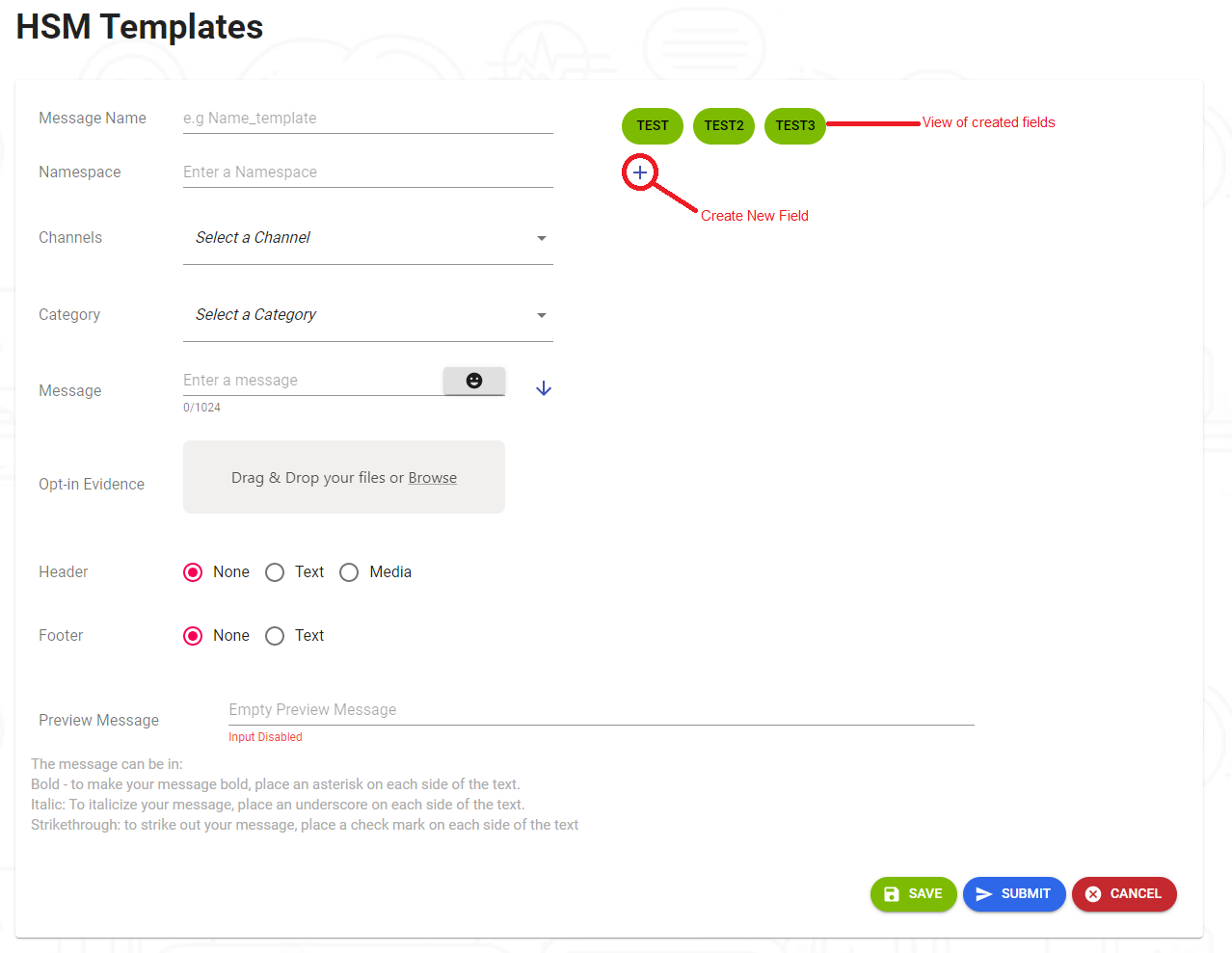
When configuring a template, you have the option to use pre-established variable fields or create new ones. These variables only need to be assigned a value when sending the message, and they will be reflected in all template messages.
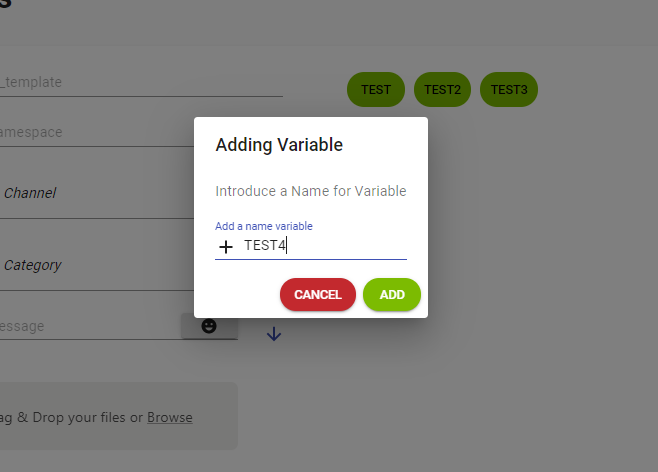
When clicking on the option to create a variable, a small window will open prompting you to enter the variable name. After typing the name, the variable is added using the "ADD" button.
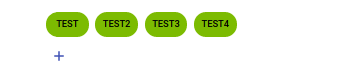
Once you click the "ADD" button, you will see that the field has been added to the variable list.