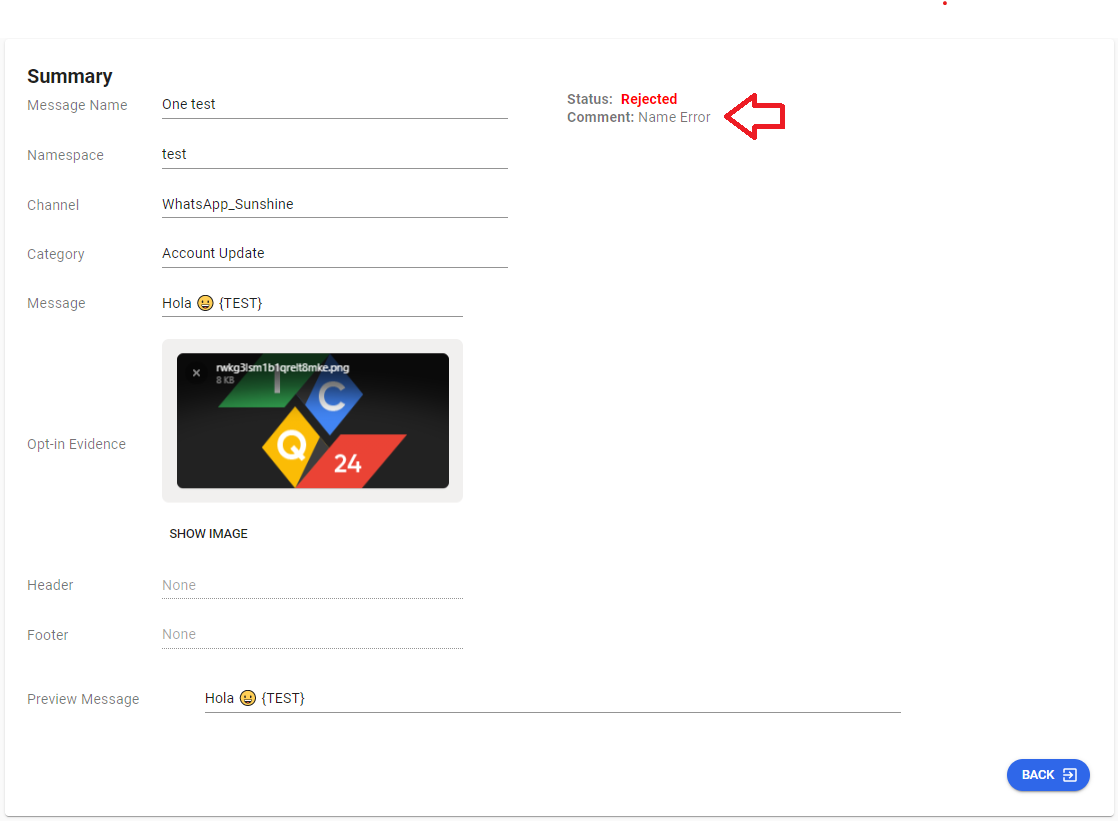
Rejected Template
Template Rejection
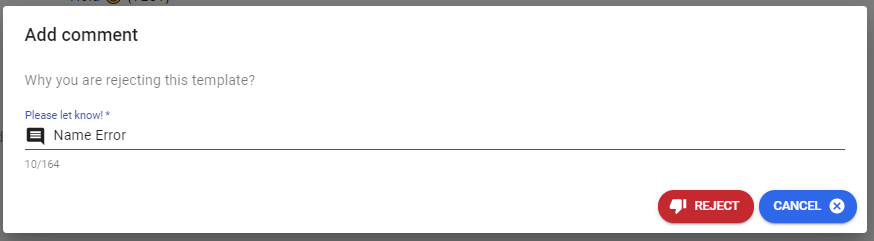
This section describes the template rejection process. When rejecting a template, you have the option to enter a comment about the reason for rejection.
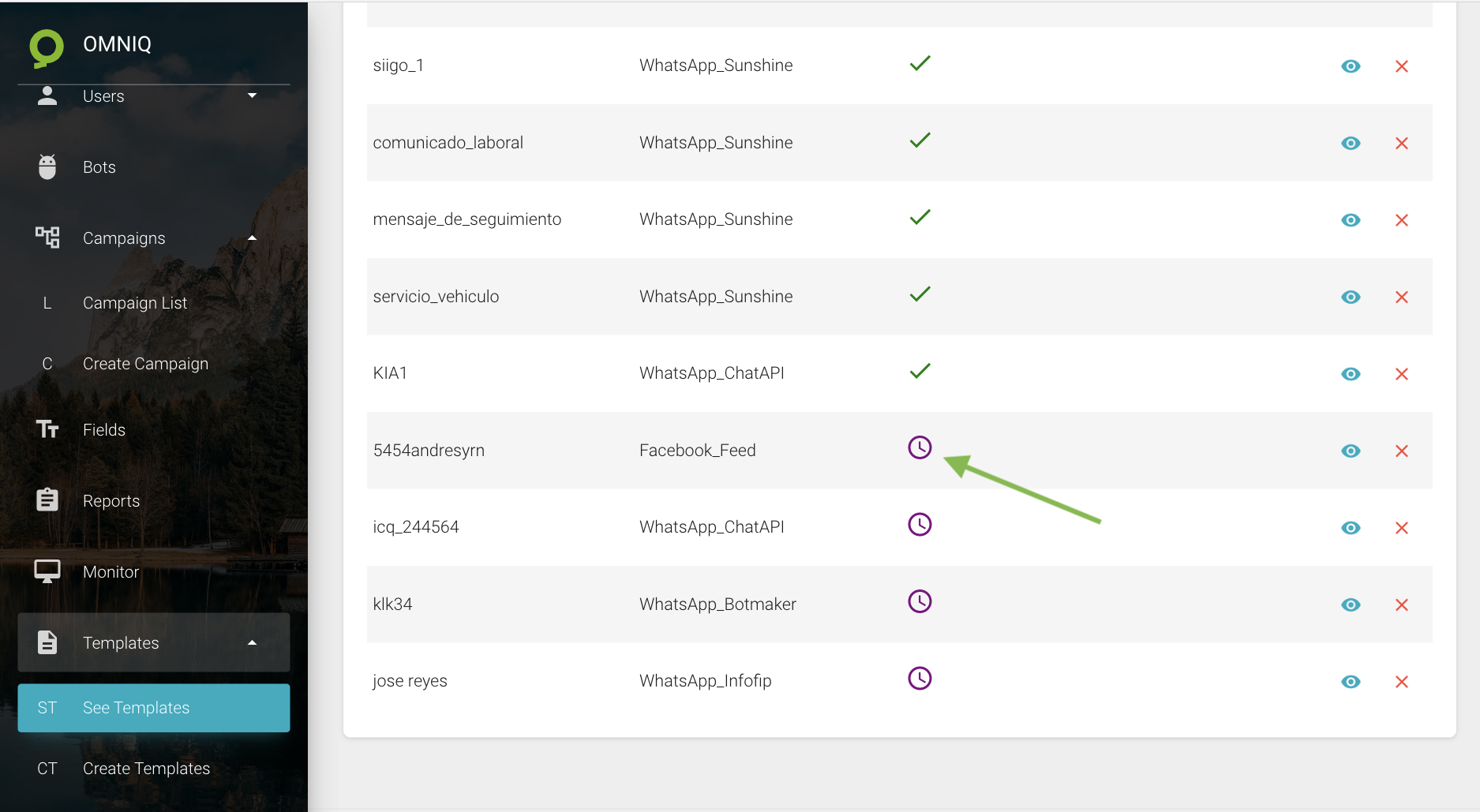
To approve a template, you need to go to the template list and locate a template in a pending state (these will have a clock icon). Then, click on the edit icon:
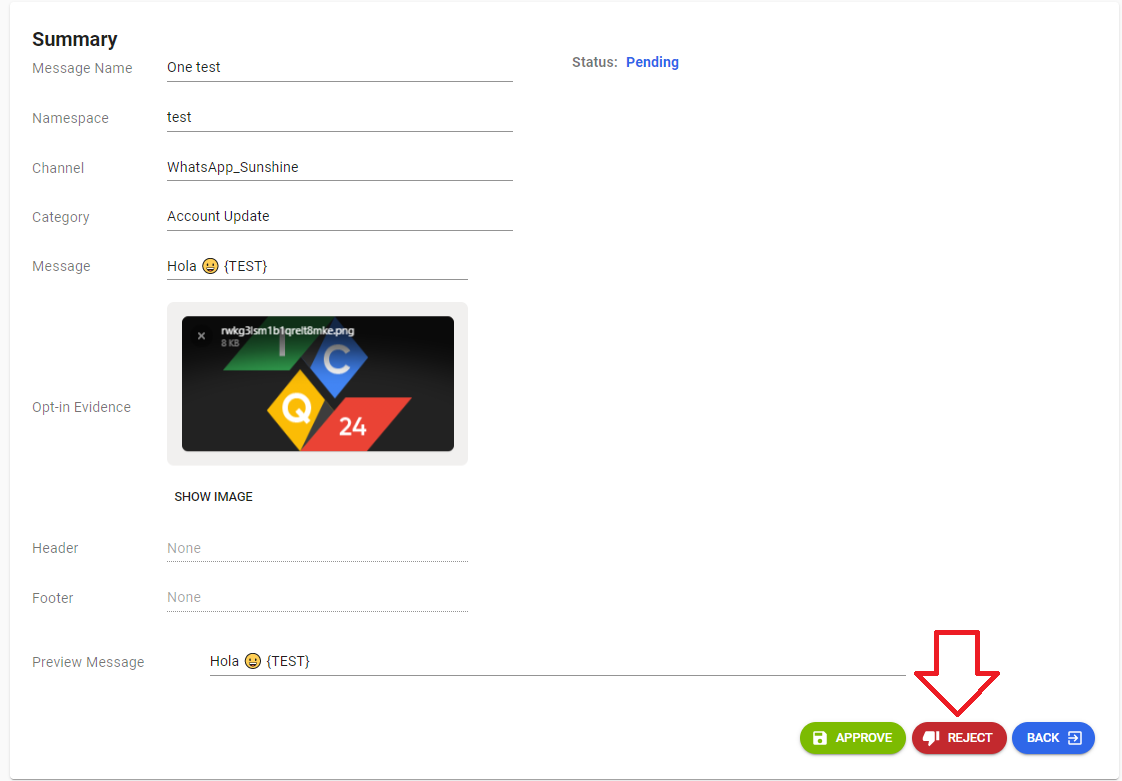
After clicking the "REJECT" button, a screen will open requiring you to provide information about why the template is being rejected.
After rejecting the template, if you enter the template profile, you will be able to see the change reflected in the template's status.